
Efficient remote graphics for Windows users
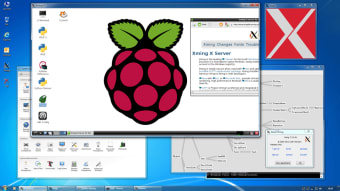
Xming stands out as a high-performance, standalone X Window System server specifically designed for the Microsoft Windows environment. It provides a vital bridge for development and IT administrators who need to display graphical applications from remote Linux or Unix machines directly on their local Windows desktops.
By prioritizing a lean architecture, Xming effectively avoids the bloat common in larger emulation suites. It integrates seamlessly with native Windows workflows, providing a fast, responsive user experience. This makes remote window management feel entirely local and efficient, ensuring high performance for developers who need reliable, lightweight graphical display tools.
Advanced graphics
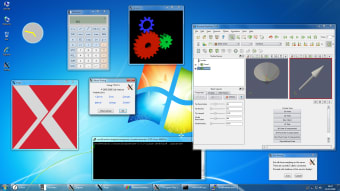
One of the most impressive technical aspects of Xming is its robust support for modern graphics standards. By utilizing Mesa with GLX and Microsoft WGL, the software handles complex 2D and 3D OpenGL rendering with ease. In addition, this network-transparent approach ensures that even resource-heavy graphical interfaces are rendered smoothly and efficiently, provided the hardware supports acceleration through Windows AIGLX.
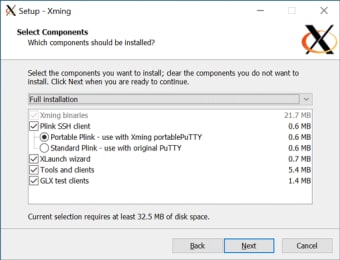
Security is another cornerstone of the application’s experience, particularly when paired with SSH. The software optionally includes an enhanced Plink SSH client and a portable PuTTY replacement, ensuring that all data transmitted between the host and client remains encrypted. Because it is built using MinGW-w64 and kept current with frequent updates from canonical sources like X.Org and FreeType, it remains a highly secure choice.
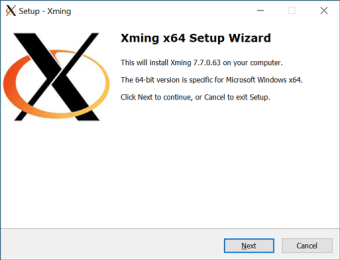
However, users should be aware of a few minor hurdles. While it is simple to install, the initial configuration for X11 forwarding can be intimidating for beginners who aren't familiar with PuTTY settings. Additionally, because the project is primarily maintained by a single developer, Colin Harrison, some users might find the documentation less exhaustive than commercial alternatives, requiring a bit more self-troubleshooting for complex setups.
Final verdict
In conclusion, Xming remains the leading choice for those who value a portable, registry-free X server. It eliminates the need for cumbersome POSIX compatibility layers, making it a native feeling tool that fits perfectly on a thumb drive. If you need a fast, secure, and free-of-ads environment to run remote Linux applications on Windows, this is undeniably the gold standard.